Detection is half the work.
Flagging a transaction is easy. What is hard is who that flag reaches, how long it waits, how it concludes, and what you will tell an auditor about it six months later.
Same customer, same file.
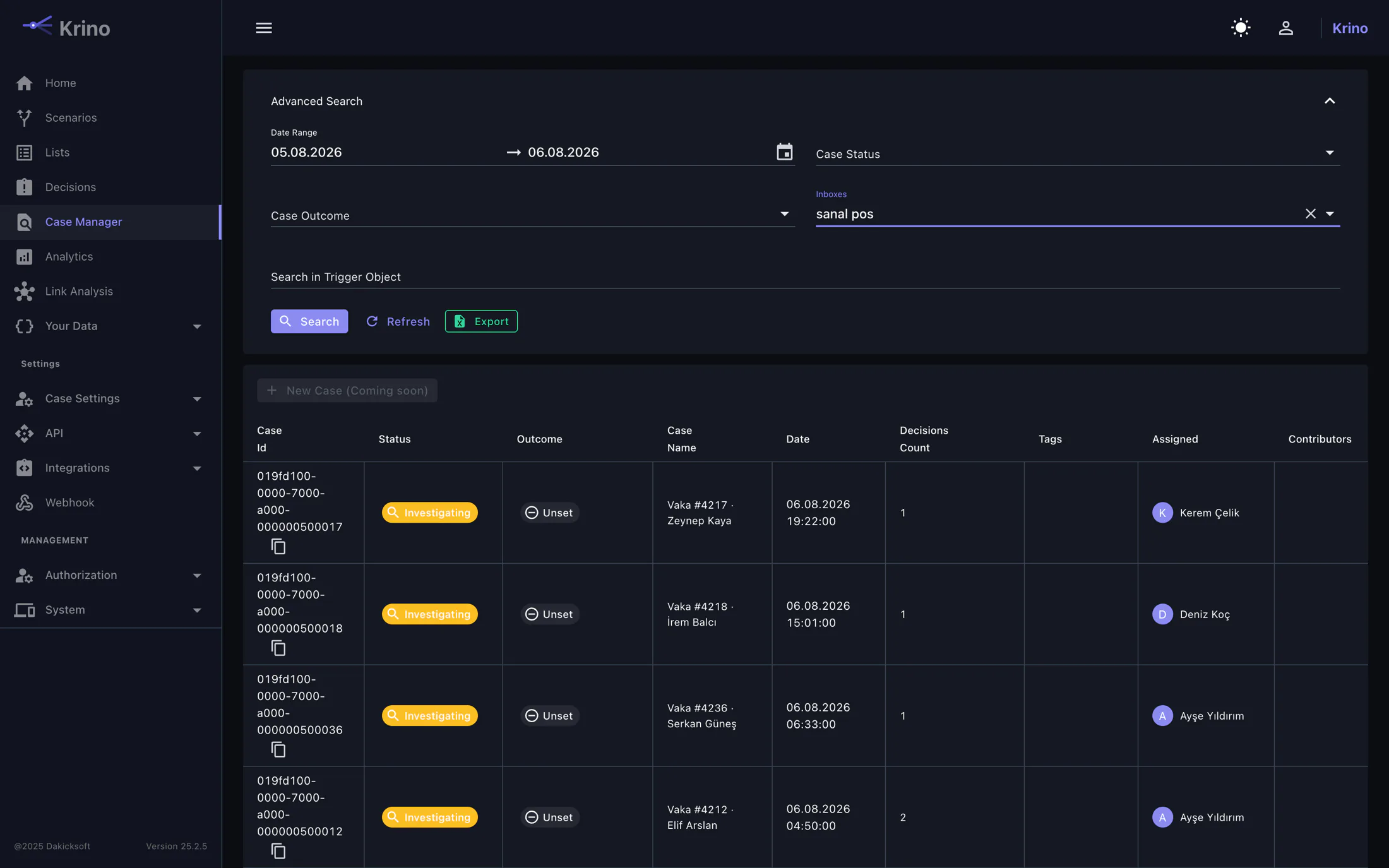
If every flagged decision were its own task, one customer’s ten transactions would become ten separate investigations. Krino groups decisions on a shared axis: usually the customer number, but any field you nominate.
If a file is open
The new decision joins it. The analyst keeps the context and no new row appears in the queue.
If not, one opens
The first flagged decision starts the file; the rest accumulate on top of it.
Closed stays closed
A closed case is not reopened; new decisions never join a concluded investigation, and a new file opens if needed.
Who looks at what?
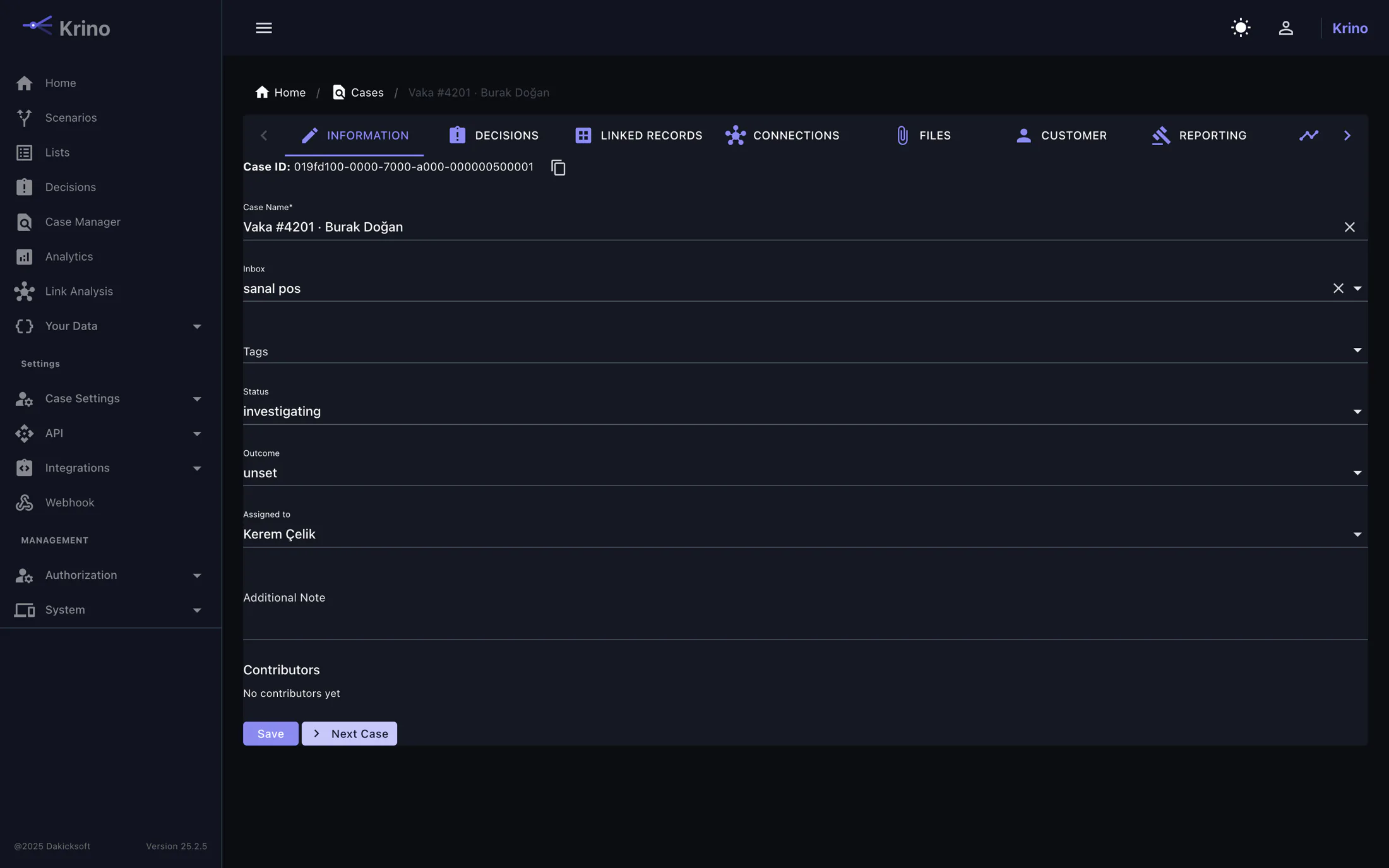
Load-balanced assignment
A new case goes to whoever has the fewest open items in that queue. Manual distribution, the race to grab work first, and files that sit because the queue is long all disappear.
Snooze, but don’t forget
Some cases cannot be concluded today: a document is expected from the customer. You snooze the case to a date and it leaves the queue; when the day comes it returns on its own. Saying what you are waiting for is required: a parked case with no note is indistinguishable from a forgotten one.
Snoozing does not stop the clock. The answer time is a promise to the customer whose transaction is held, and their wait does not get shorter because you are waiting on somebody else. A case whose deadline passes while it is aside comes back on its own, and a case already late cannot be parked at all.
Don’t open forty cases one at a time
Opening forty cases that reach the same conclusion one at a time is not making the same decision forty times; it is approving thirty-nine of them without reading. Tick them in the list and close, assign or tag them in one go.
A batch action is the fast version of doing it one at a time: not a relaxed version. The second approval is evaluated per case, a file somebody else closed is left alone, and every case gets its own audit entry. What could not be applied is reported with the reason: “34 closed, 3 waiting on a second approver”.
Ordered workflow rules
Which decision goes to which queue, at what priority and to which team is set by ordered rules. High-value transactions to the senior team, sanctions matches to compliance: your arrangement, not a fixed mapping.
Status and audit trail
A case’s status, who changed it and when, and what was added are all on record. The answer to “what happened to this file” is always inside the file.
A file left waiting is a silent decision.
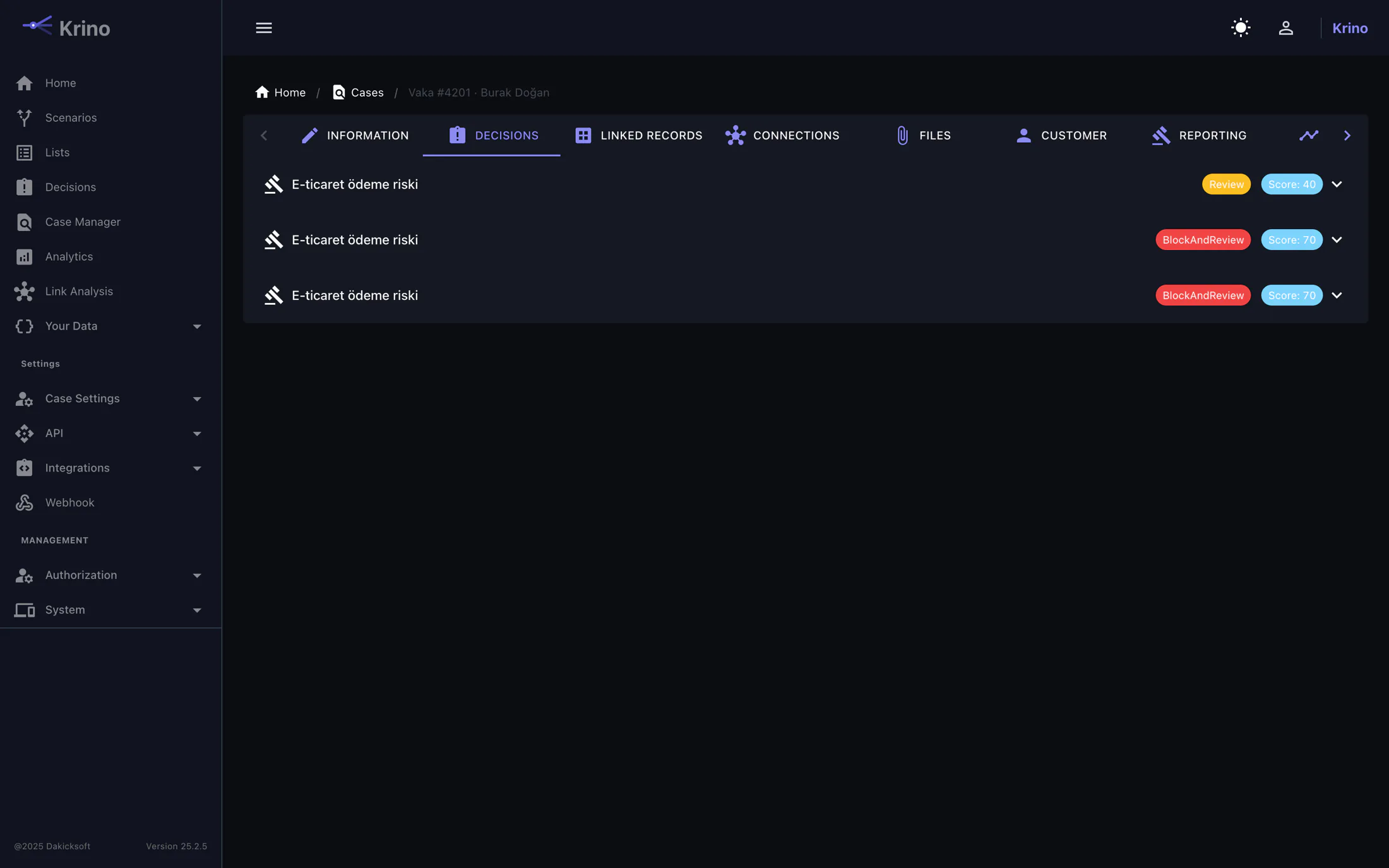
While a case waits in the queue, the transaction it concerns stays held, and the customer waits with it. Without a due time, no report can say the queue is behind: there is no threshold to breach.
Response time per queue
Each queue carries its own clock: a card-present review is measured in minutes, merchant onboarding in days. The due time is stamped when the case opens: changing the queue policy later does not make yesterday’s work retroactively late.
Escalation acts on its own
An overdue case is flagged and handed to the next analyst from the front of the queue. Nobody has to notice it or reassign it by hand. The breach is written into the case’s own history: extending the deadline later does not erase that it was once late.
Four eyes
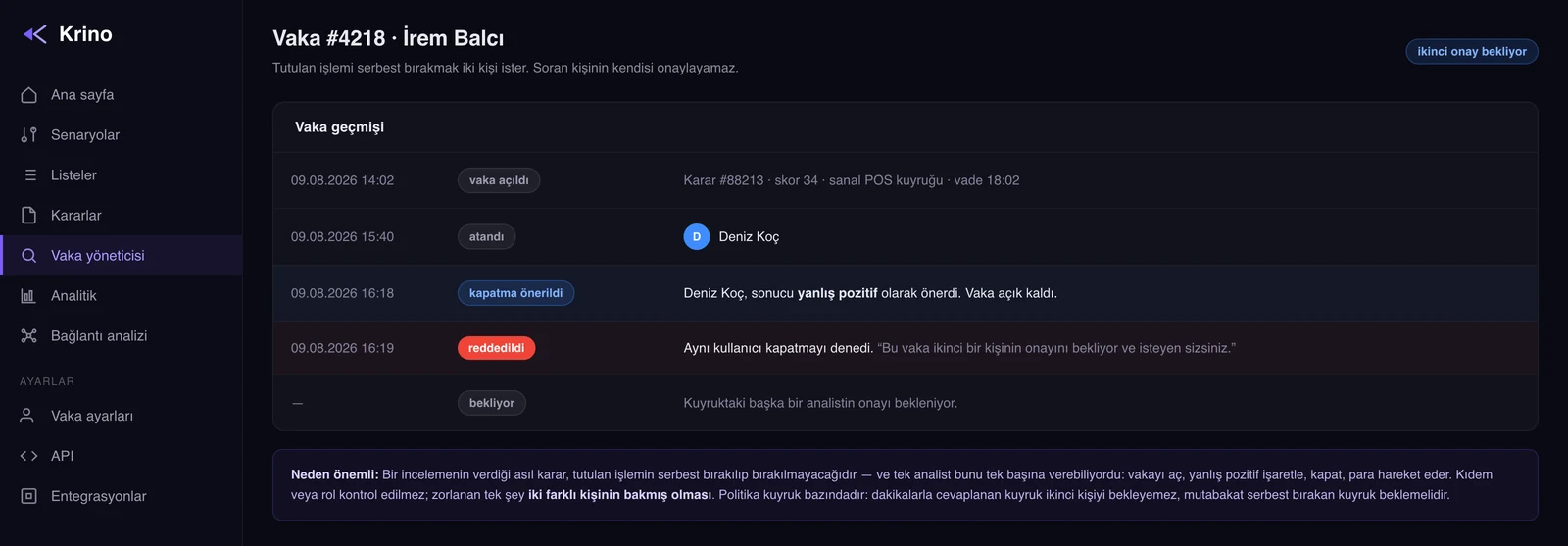
The real decision a review makes is whether a held transaction is released. When a queue requires a second approval, the first analyst proposes the outcome, the case stays open, and anyone in the queue except the person who proposed it can close it. A second attempt by the same person is refused.
A late queue is measurable
The number of overdue cases is exported as a metric. If the queue’s capacity cannot keep up with the volume the rules produce, you see it before the complaints arrive.
All the analyst needs, on one screen.
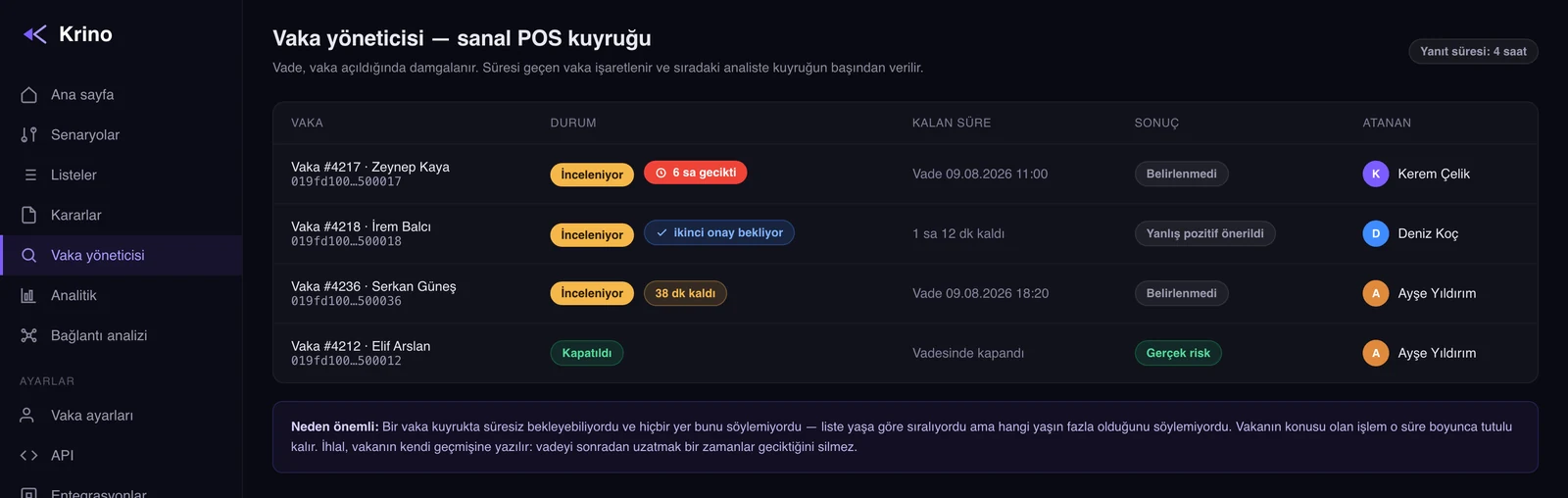
The decision’s reasoning
Which rules fired, what they scored, where the total sat against the threshold, and the field values at the moment of the decision. No second system to open.
Customer notes
Notes attach to the customer, not only to the case. When the same person returns six months later, last time’s assessment comes with them.
Entity annotations
A tag or note attached to a device, IP or card surfaces in the investigation every time that entity appears. The team’s knowledge stays in the system, not in people’s heads.
Three things you hear about without opening Krino.
An alerting system is only worth what people read. Krino raises three events: not everything.
A case was assigned to you
You are told when work lands on your plate. Finding that out should not require subscribing to every edit of every case: a channel that carries everything gets muted, and after that nothing is heard at all.
A case passed its deadline
Every recorded breach is announced as it is recorded. Krino does not decide who picks it up (that is your operating policy) but it does not stay quiet either.
A decision somebody must look at
Outcomes other than approve. The overwhelming majority of decisions are approvals, and a channel that receives all of them is a channel nobody reads.
These events go to Slack, Teams, email, SMS and Jira connections, or to your own webhook endpoint. You decide where they go, and which of them are sent.
The SAR belongs in the file.
When a case reaches the point of being reported, that fact lives in the file itself: the reporting status, when and by whom it was filed, the reference number. When the audit comes, “which cases did you report” is not a question you answer from a spreadsheet.
Tell us how your team works today.
We’ll listen to your current process and show you what it looks like inside Krino.